How to Install an LED Driver? (A Practical Guide for Real-World Projects)
Author: Site Editor Publish Time: 2025-12-15 Origin: Site
Inquire
Choosing a dimmable LED driver is the first step toward high-quality lighting.
But once you receive your Suretron dimmable driver, how do you install it correctly to get stable, flicker-free dimming?
Here is a simple, practical, and engineer-friendly guide—no complex theory, only what you really need to know.
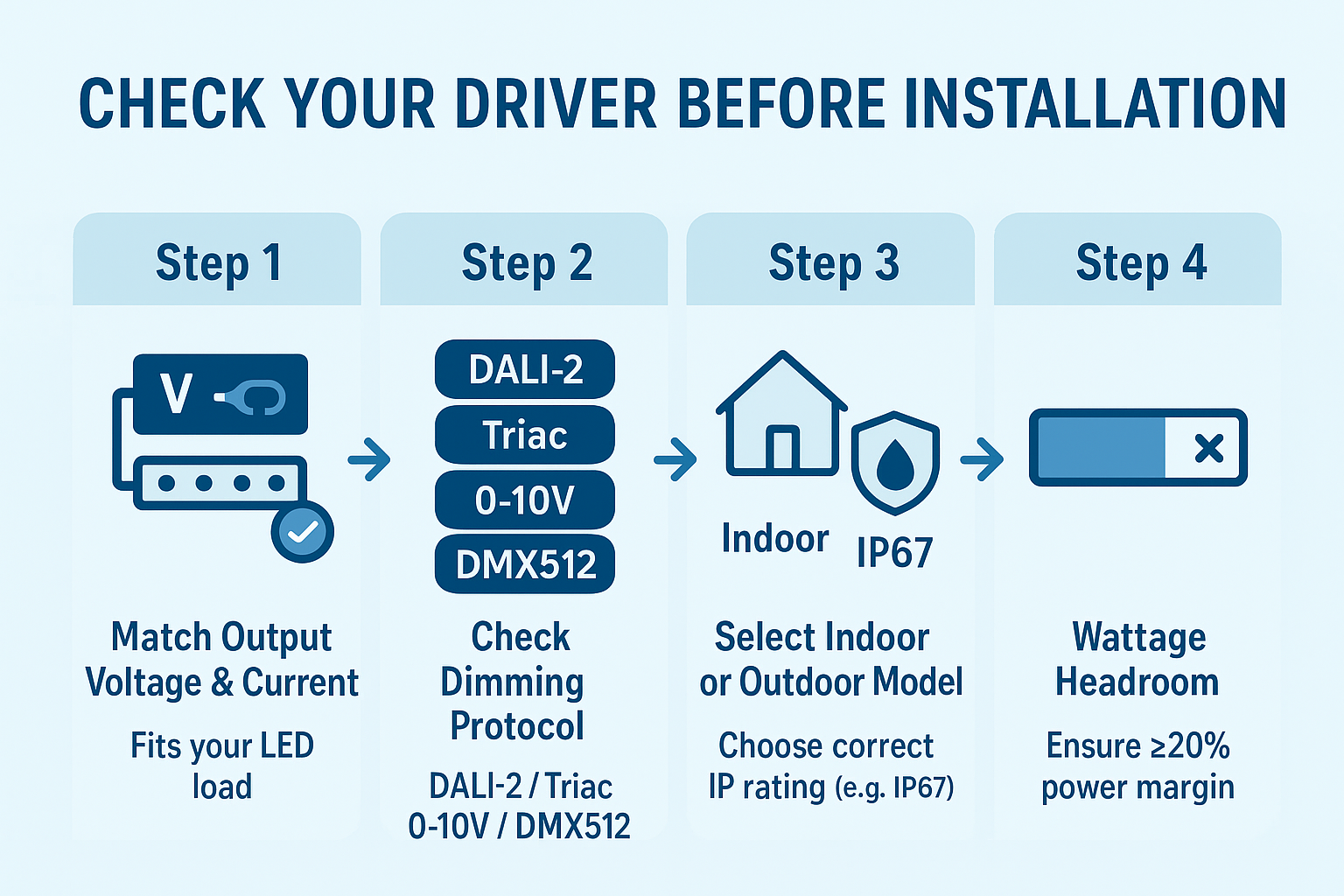
1. Check Your Driver Before Installation
Before wiring, make sure the driver matches your system:
Output voltage/current fits your LED load
Dimming protocol matches (DALI-2 / Triac / 0-10V / DMX512)
Indoor or outdoor model (IP67) is correctly selected
Wattage has at least 20% headroom
Suretron(圣昌)drivers include clear labels and QR-code datasheets, making verification faster for installers.
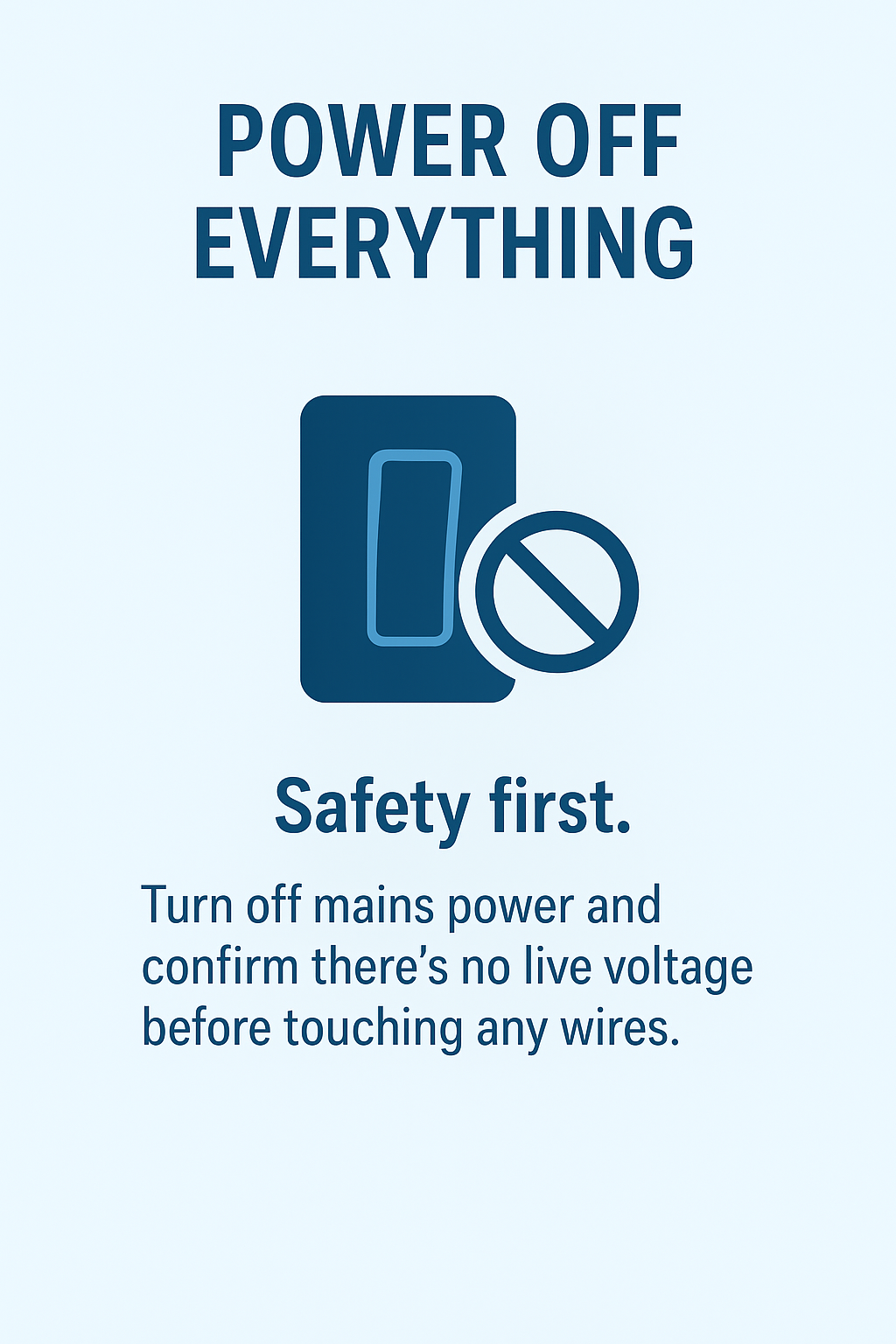
2. Power Off Everything
Safety first.
Turn off mains power and confirm there's no live voltage before touching any wires.
Suretron drivers use isolated design + multiple protections (OVP/OCP/OTP), but powering off is still essential.
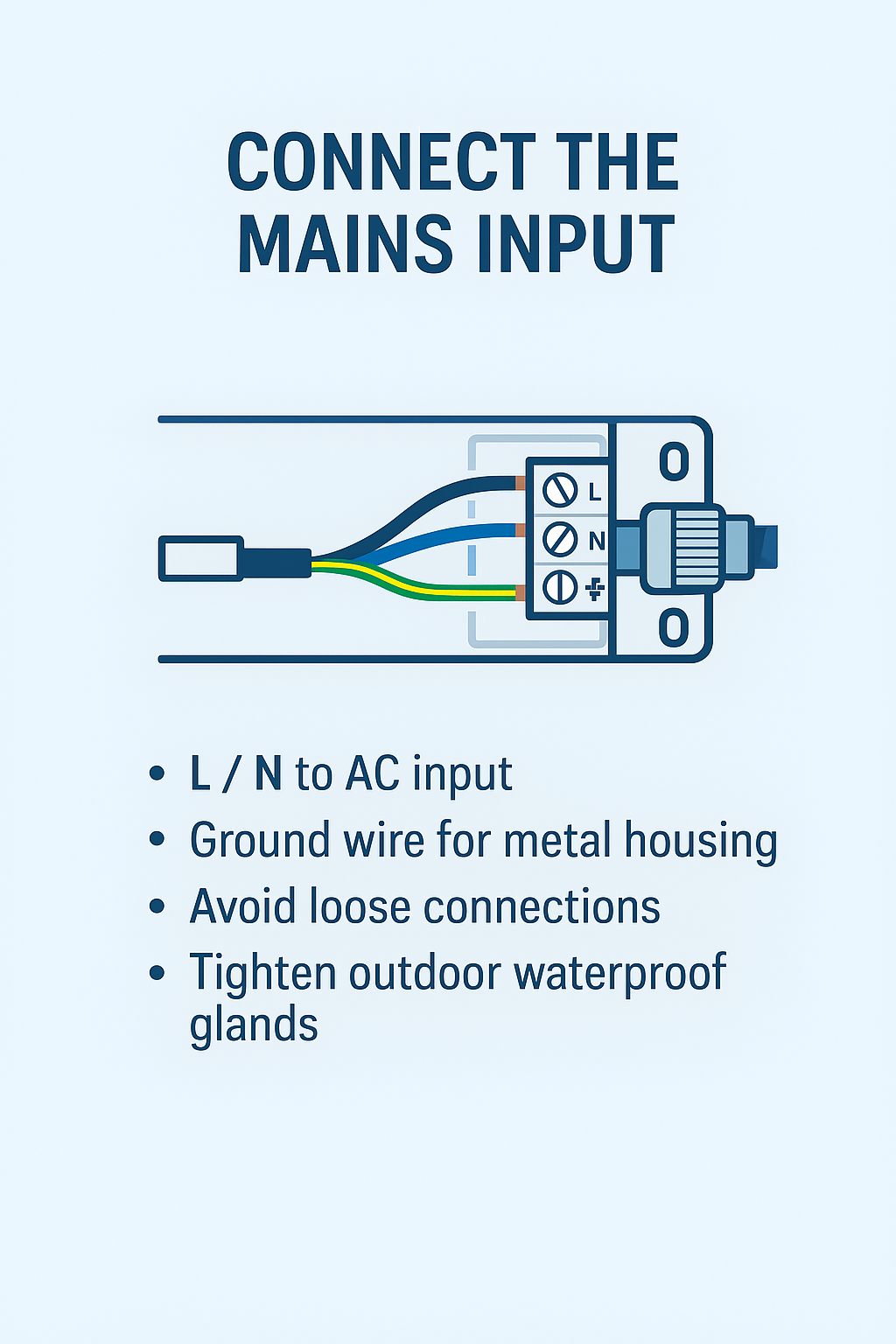
3. Connect the Mains Input
L / N to AC input
Ground wire for metal-housing models
Keep wiring neat and avoid loose connections
For outdoor models, tighten waterproof glands
Suretron’s terminals are designed for fast wiring, reducing installation time for contractors.
4. Connect LED Output Correctly
Follow +V / –V polarity
Keep output cables short
Avoid mixing different LED modules on one driver
Suretron output is stable even under low load, ensuring smooth deep dimming in real projects.
5. Connect the Dimming Control
Depending on your model:
DALI-2 / D4i → DA / DA
0–10V → DIM+ / DIM–
Triac → No extra wiring
DMX512 → IN / OUT signal
Suretron dimming interface is fully isolated to avoid signal noise and flicker.
6. Power On & Test Dimming
Turn the power back on and test:
Smooth dimming from 100% → 1%
No visible flicker
Stable color temperature for warm-dim models
No buzzing or strobing
Suretron(圣昌) 20kHz high-frequency PWM and fine-tuned dimming curves guarantee professional-grade performance.
7. Optional: NFC Programming
Many Suretron(圣昌) drivers support NFC programming, allowing you to:
Adjust output current
Set soft-start
Match different fixtures
Reduce on-site troubleshooting time
Just tap your phone—no wiring needed.
A good driver makes installation easier — and makes your project pass acceptance smoothly.


